Community Commands
Community commands are pre-built commands created by our awesome community. They're designed to be easily imported and set up directly from the dashboard, no coding knowledge required.
Cloning Command
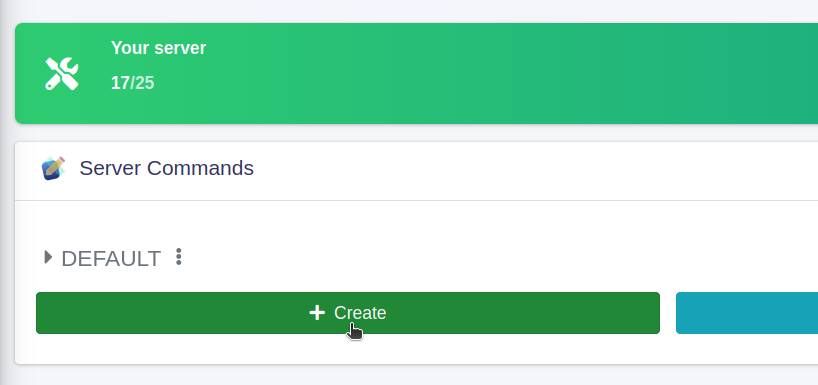
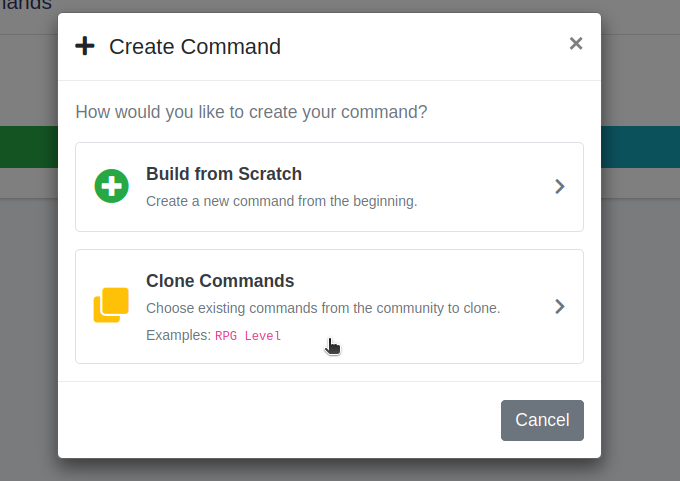
To clone a command, head over to dashboard, select your server and click Manage Your Commands. Now click Create button then Clone Commmands and search for a command that you need.
If the template has multiple handlers, you should select them all for proper functionality.
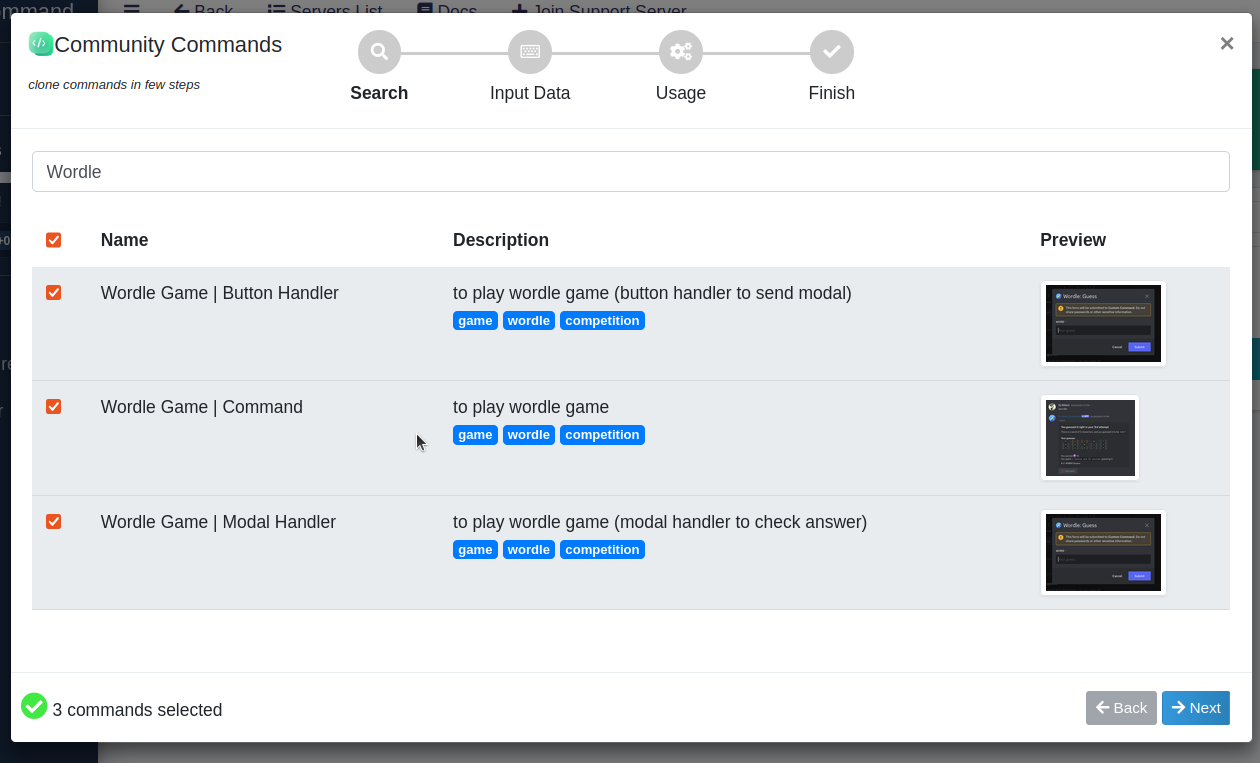
After choosing what to clone, click next to continue. Some commands may require some data to work. For example channel that you want to use. When you input everything, click next to clone the commands on your server.
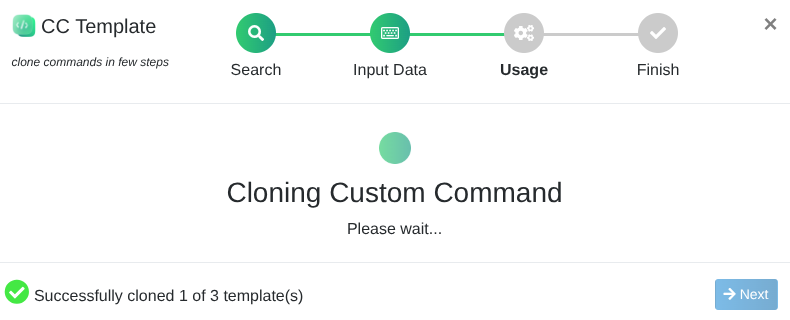
Once everything is done, you're ready to go! After the commands are cloned, it will show you how the commands are used. To test if it works, we can try it out in Discord now.


There is a word of 5 characters, can you guess it?
[ ] [ ] [ ] [ ] [ ]
Sharing Your Commands
Want to contribute? Post your template projects in the #code-sharing channel in our support server. The best and most useful commands may be added to the official community commands to help other users.