 Custom Command
Creating Custom Commands
Creating custom commands for your server is easier than it looks. Read through this guide, and you'll be building your own commands in no time.
Creating a New Command
To create a new command, you must first login into our dashboard.
Dashboard Guide
On your first visit, you'll be greeted with a helpful dashboard tour. We highly recommend taking it since it will save you a lot of time figuring things out.
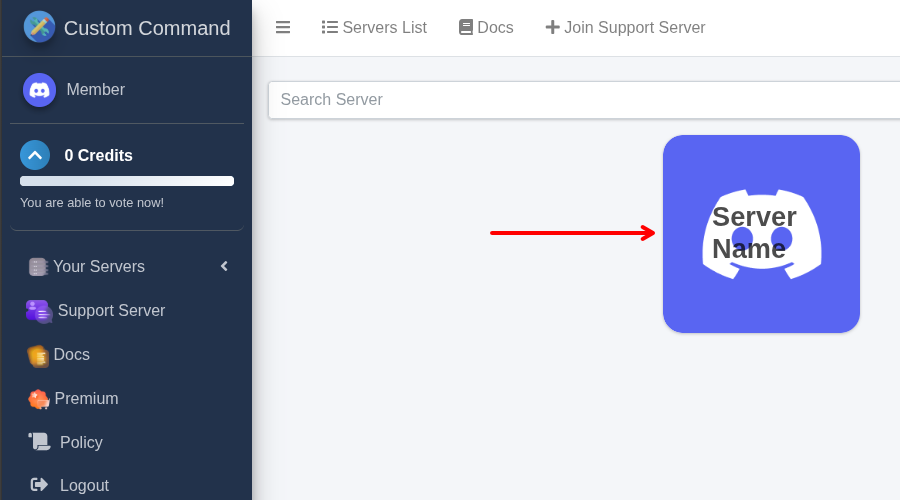
After logging in, select the server where you'd like to create a new command.
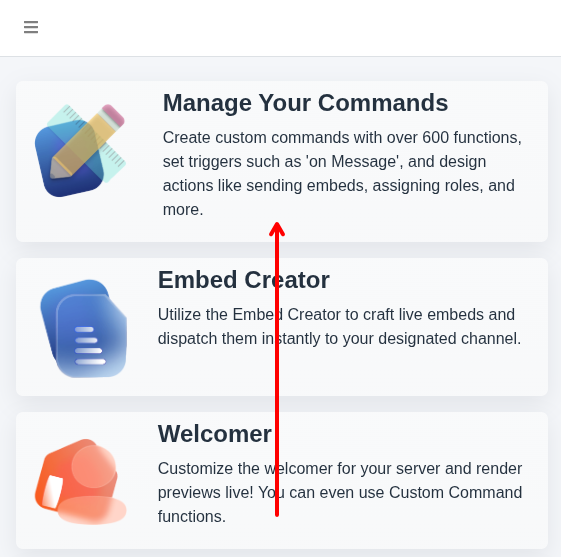
After you select your server, choose Manage Your Commands to manage your commands. You can see all your commands there.
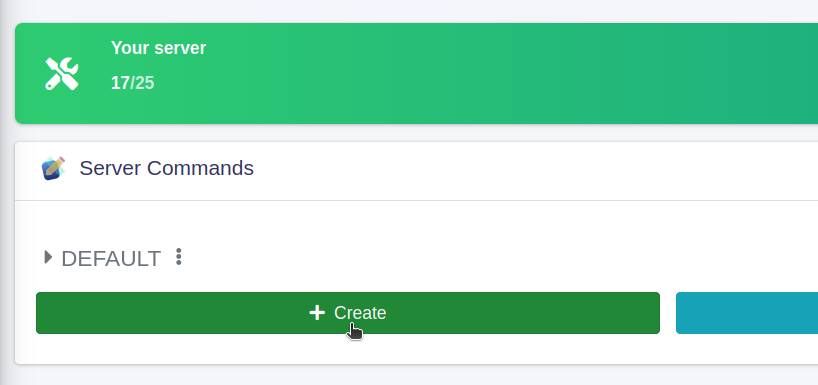
Now you can just click the create button and you're ready to write your code!
Community Commands
Don't want to start from scratch? The dashboard provides access to a library of pre-built community commands that you can easily clone and customize.